
How can I translate my website with AI without changing the offer?

Translate one approved page first, give the AI a terminology list and check the business promises before publishing. Good translation is not just fluent writing. Delivery times, exclusions, product codes and the action behind a button must mean the same thing in both languages.
Imagine a visitor choosing a service because the translated page says installation is included, while the original says it is not. Every sentence might sound natural; the page is still wrong. The useful starting point is a small, reviewed pilot, not an automatic translation of the entire site.
What should change, and what should stay fixed?
Translation carries meaning into another language. Localization also adapts how the page reads and works for its audience: terminology, examples, date formatting and interface text. Neither is permission to invent a new offer.
Create two lists. The first contains editable language: sentence order, idioms and natural calls to action. The second contains invariants: amounts, units, delivery commitments, exclusions, model codes, brand names and approved claims. Specify whether a number can only change its formatting, never its value. Currency conversion needs a separate business decision.
A glossary is a small table of approved terms and their equivalents. Include words that should remain untranslated. DeepL documents glossaries for preferred terminology and names; its documentation also distinguishes these term rules from translation memory, which stores translated segments. DeepL glossary guide.
Which of these three approaches fits your website?
The product capabilities below were checked against official documentation on 16 October 2026. Confirm the current plan and language-pair support in your account before rollout.
1. Translate a page manually with an AI assistant
For a small brochure site, copy the approved public text into a text assistant, alongside the glossary and the prompt below. Keep section IDs so you can put each translation back in the right place. Ask a fluent reviewer to compare both versions, then have your editor publish the approved text.
This is a proposed workflow, not a claim that a particular assistant has been tested on your site. Use only approved public copy for the first trial. There is no reason to upload customer submissions, private correspondence or a full CRM export to translate a service page. An existing tool plus human editing may be all you need.
2. Use a website translation service
For a site with frequent content changes, evaluate an integration such as Weglot. It documents manual editing, glossary rules and handling of new or changed content. Those capabilities can reduce repeated copying, but they do not remove your approval responsibility. Weglot’s translation workflow.
Ask the site administrator to verify CMS compatibility, language and word allowances, and the review or publication controls in the current plan before enabling it across the site. Test one page and its navigation first. Do not assume that an automatically updated translation has been reviewed just because the old version was approved.
3. Add translation to your existing development workflow
If content already lives in versioned files, a developer can prepare translated files and a reviewable diff. DeepL documents glossary use through its API on API Free and Pro. Check the exact language pair and glossary support before designing the integration; supported translation languages and glossary coverage are not interchangeable. DeepL API glossary availability.
In a proposed custom workflow, only changed sections are sent for translation. Tests flag altered codes, numbers and missing segments. A person approves the diff before deployment. Give the process access only to the required content and keep production publishing separate. A connector transfers content; a schedule decides when to run. Neither automatically supplies an editorial review.
How do I run a useful pilot?
- Choose one representative page. Include a heading, an offer, a limitation, a CTA and a form label—not just a slogan.
- Freeze the source version. Save the original and its date so the reviewer is comparing the right material.
- Write the glossary and invariants. Start with the terms that would cause confusion or a different customer expectation if changed.
- Generate a draft with questions. Require the assistant to flag ambiguity instead of silently resolving it.
- Review meaning and language separately. A business owner checks promises; a fluent reviewer checks natural expression. Consequential contractual or specialist text needs an appropriately qualified reviewer.
- Check the actual page. Inspect mobile buttons, navigation, form validation, confirmation messages and any linked follow-up text. Do not stop at the main paragraph.
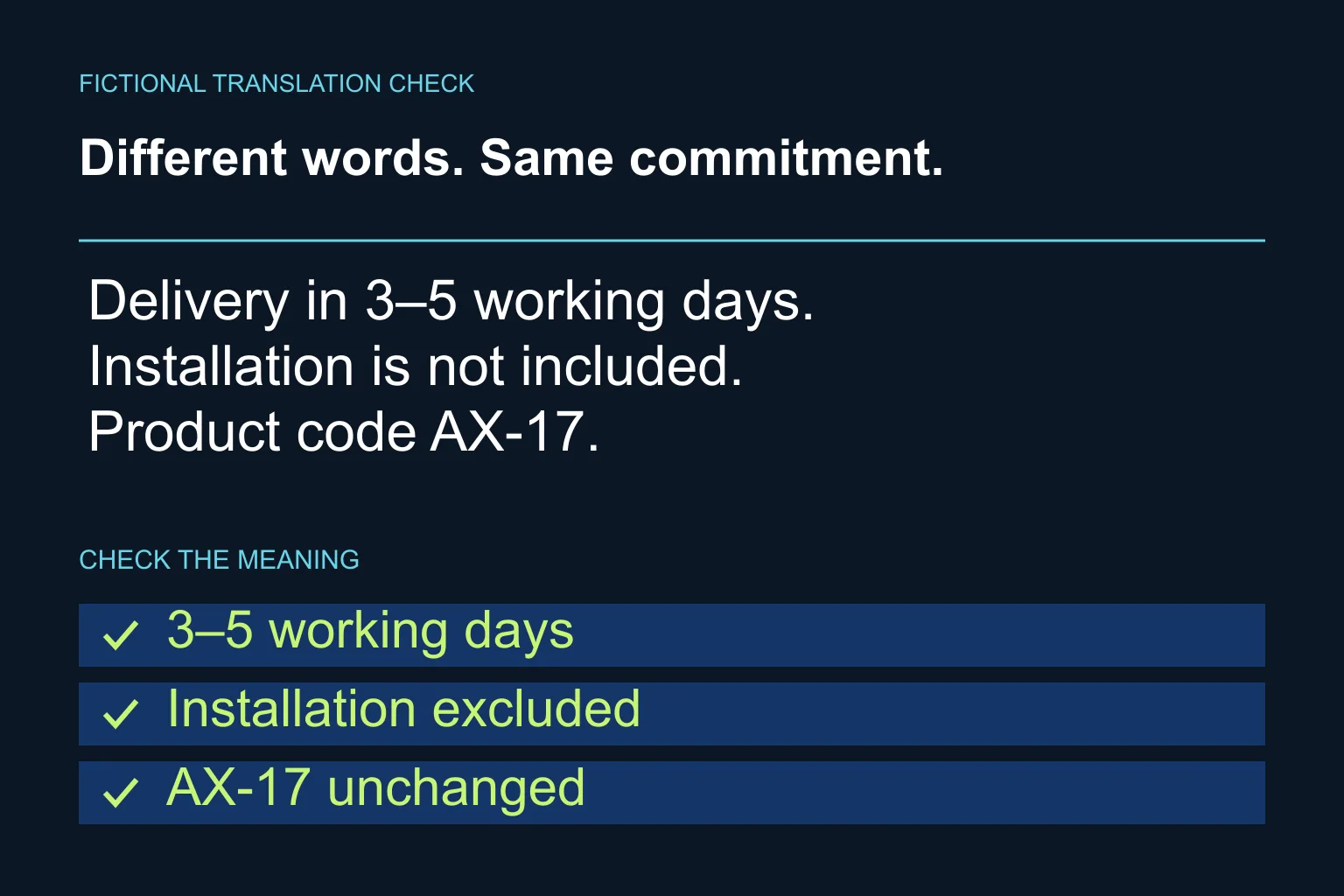
Here is a fictional example, not a client result. “Delivery in 3–5 working days. Installation is not included. Product code AX-17.” A valid Greek version preserves all three facts. “Dispatch within five days” is not equivalent: it changes the event, the range and potentially the meaning of days.
What prompt can I use for the first page?
Replace the bracketed fields and paste only the approved text. The output is a draft for review, not publication approval.
Translate this website page from [source language] to [target language] for [audience]. Use natural, direct language and [tone].

Approved glossary: [source term → target term].
Keep unchanged: [brands, product codes, amounts, units, exclusions and commitments].
Preserve section IDs and link destinations. Do not invent benefits, evidence, certifications or guarantees. Do not convert currencies or replace delivery with dispatch. Keep the same action behind each CTA.

Return:
1. Translation by section ID.
2. A source-versus-target checklist of every invariant.
3. Ambiguities and questions that need a human decision.
4. Shorter alternatives for buttons that may not fit, without changing their meaning.

Do not publish or modify the website.
Approved source text: [paste here]
The assistant’s checklist is another draft, not proof of correctness. Compare it with the source yourself. For product descriptions, keep the underlying product facts separate from the translated copy too.
How should the two language versions be published?
Use a separate URL for each language and clear links between them. Google recommends language-specific URLs and hreflang annotations, and advises against automatically redirecting visitors based on an assumed language. Keep each page’s main content and navigation in its intended language. Google’s multilingual site guidance.
Before launch, check the title, meta description, image alt text, internal links and language switch. A translated CTA should lead to an appropriate next step, not unexpectedly drop someone into a different-language form. Have your developer verify canonical and hreflang configuration rather than treating translation as a text-only change.
Who keeps translations correct after launch?
Assign an owner. When the original changes, mark the corresponding translation for review. Record which source version each approved translation follows. Track corrections by type—wrong terminology, changed promise, missing section or broken layout—so the next batch improves for a specific reason.
Keep using a ready-made tool if that process is manageable. If updates span several systems, reviewers cannot see what changed, or publication repeatedly outruns approval, a small integration may be justified. Talk to Ergonya about AI transformation: bring one source page, its target language and the terms that must stay fixed. We can help define a practical translation and approval workflow before you expand it.