
Claude in Copilot and the EU Data Boundary: what should your team do now?

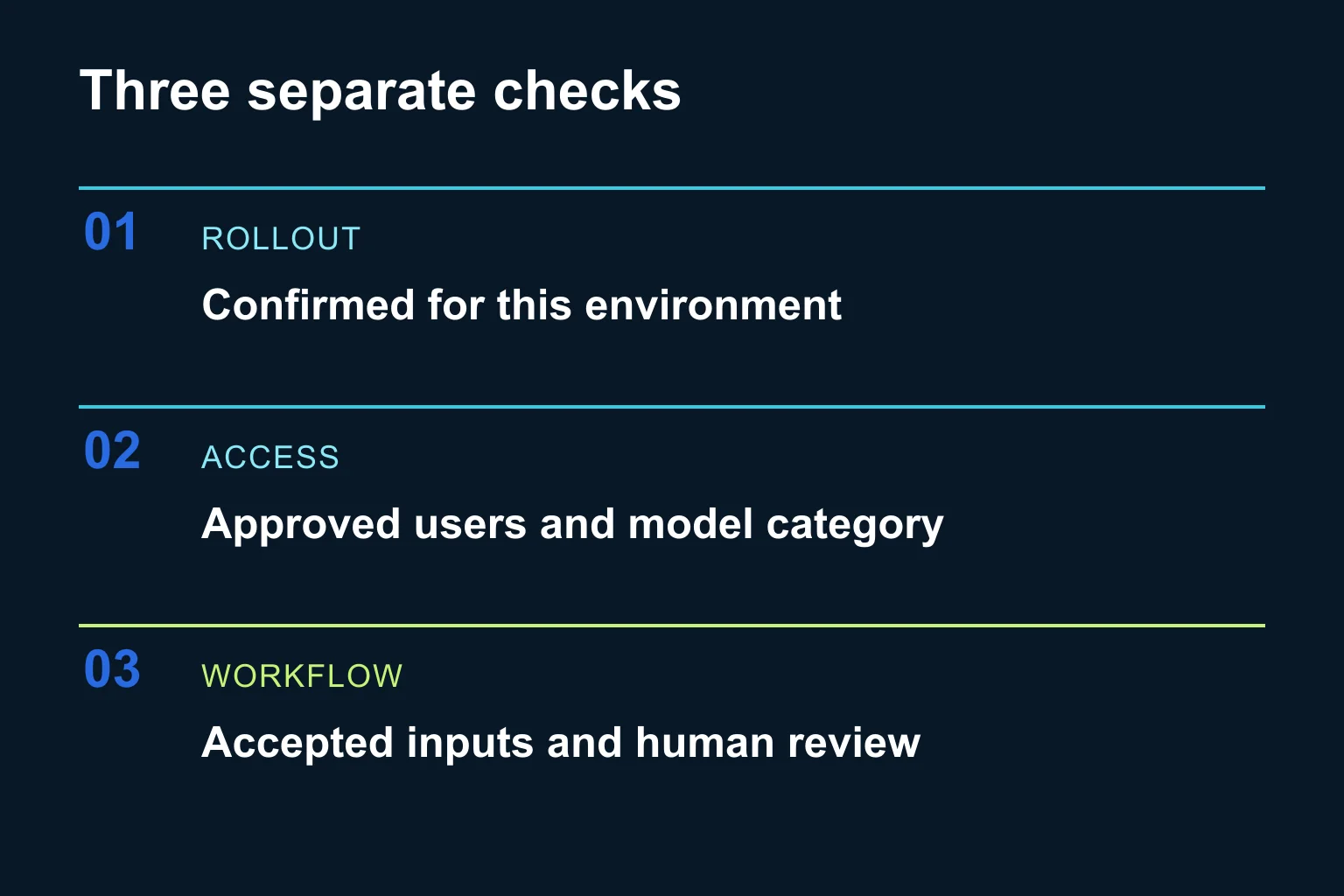
Prepare a small, documented pilot, but do not treat a future regional-processing announcement as permission to upload new categories of business data today. For a team considering Claude inside Microsoft Copilot, the useful next step is to check three separate things: rollout status, tenant access and the workflow you intend to run.
What changed, and when?
On 5 November 2026, Microsoft announced that Claude processing across Copilot experiences, including Copilot Cowork, would move into the EU Data Boundary for EU/EFTA organizations by the end of 2026. Already-enabled organizations are expected to transition automatically once available. This concerns Claude through Microsoft’s offering, not a promise about a separate Claude subscription. Microsoft announcement.
We checked the sources on 9 November. The operational guidance still lists Claude as excluded from the boundary. Read the announcement as a future rollout; confirm availability for your environment before changing your data-handling procedure. Current implementation guidance.
The business opportunity is practical: teams that postponed a particular workflow because of processing-location requirements can prepare the evaluation now. Preparation does not require enabling the provider, expanding permissions or uploading confidential files.
What does “EU Data Boundary” actually mean?
It is Microsoft’s geographic commitment for storing and processing specified enterprise-service data within the EU/EFTA, subject to documented exceptions. It does not mean offline use or processing exclusively in Greece. Eligibility needs checking: the Microsoft 365 guidance includes a Multi-Geo exclusion. Boundary definition and scope.
Keep location separate from access and use. A file being processed in an accepted region does not answer who should see it, whether the output is correct or who can send it to a client. Write those decisions separately in your pilot notes.
Which path fits your organization?
1. Wait for verified availability
If regional processing is a prerequisite in your internal policy, keep the existing restriction until the responsible owner verifies the rollout and applicable terms. Prepare a fictional test pack and an acceptance checklist meanwhile. This avoids turning an announcement into an unrecorded policy exception.
Give one person ownership of the next check. Record the source, date, tenant and exact Copilot experience. “Available somewhere” is not a useful acceptance criterion for your own team.
2. Review an already-approved pilot
If your organization already permits this use, review the pilot rather than broadening it automatically. Keep the same approved inputs and participants. Compare whether the output is accurate, traceable and worth the review effort. Regional processing is one adoption condition, not evidence that a model performs your task well.
For example, ask a small group to summarize a fictional service handover. Include a missing deadline and contradictory ownership notes. A useful result flags the uncertainty instead of inventing a date or assigning responsibility. This is a proposed exercise, not a customer result or a test performed by Ergonya.
3. Prepare a controlled team rollout
Current documentation requires an AI Administrator or Global Administrator for provider opt-in, supports selected users/groups and lists EU/EFTA defaults as disabled. Models labelled “with Data Retention” have separate controls and terms. Ask the administrator to verify the exact provider setting and model category; do not enable every option together. Admin and model-category guidance.
Also confirm the license and feature availability in the tenant. Enterprise controls vary by subscription; web-search queries and agents require their own data-handling review. A general protection label is not a complete workflow assessment. Enterprise data protection documentation.
What should the pilot checklist contain?
- One outcome: for example, a draft handover summary with unresolved questions.
- An approved input set: fictional or specifically permitted material, with an owner and version.
- A known access group: named pilot participants, with no extra document access just for convenience.
- Independent expected results: write the critical facts and uncertainties before testing.
- A human review step: check source support, omissions and invented commitments before any external use.
- A stop condition: pause if the model category, data route, permissions or output behavior differs from the approved setup.
- A decision record: keep the observed result, correction effort and remaining questions. Expand only after reviewing them.
Do we need a connector or a custom automation?
For an occasional, human-reviewed draft, the existing product may be enough. Do not connect more systems just to evaluate a model. If the task later needs CRM data, scheduled runs or record updates, treat that as a separate implementation stage with verified APIs, minimum permissions, duplicate protection and approval before consequential actions.
A connector or MCP server provides access; a scheduler supplies the trigger. Neither decides whether a business result should be sent or committed. Keep that distinction in the implementation brief. Our client brief clarification guide helps identify missing requirements before estimating such work.
This announcement also differs from adopting a standalone Claude Enterprise rollout. Start with the product and account your team actually uses, then verify its specific conditions.
When can Ergonya help?
A ready-made tool is enough when a person can provide approved inputs and review the output. Ergonya becomes useful when the workflow spans systems, needs consistent acceptance checks or requires clear ownership from pilot to operation. The deliverable should be a working, bounded process with evidence for its release decision.
Plan a controlled AI workflow with Ergonya: bring one recurring task, the systems it touches and the conditions that must hold before your team can use it.